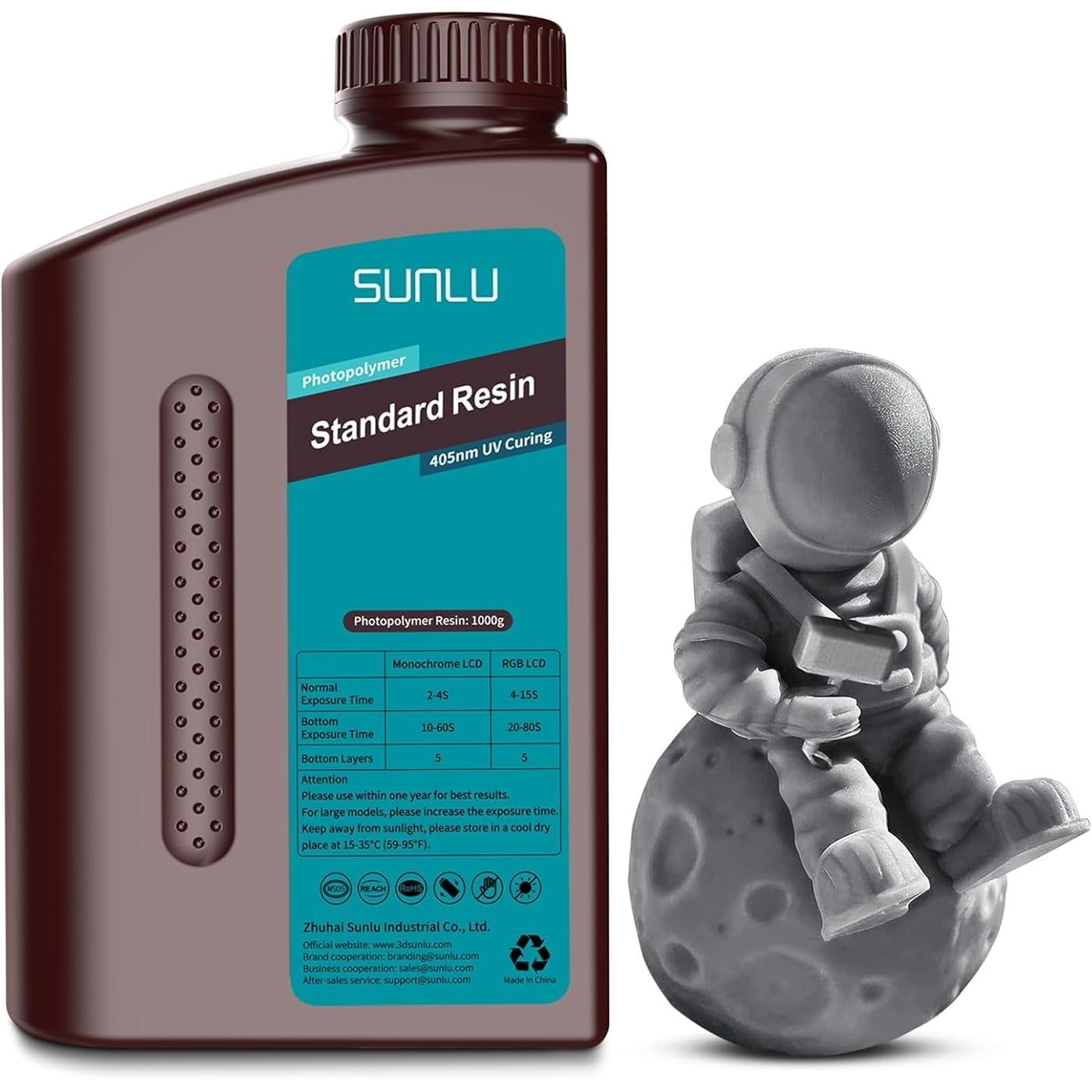
Successful resin printing depends on more than choosing a suitable bottle of 3d printing resin. Exposure settings, model orientation, support placement, cleaning, and UV post-curing all influence the finished result.
Standard Resin is a practical option for everyday models and detailed prototypes, but a repeatable workflow helps reduce failed prints and surface defects. Start with the manufacturer’s recommended settings, test them on your printer, and adjust according to the results.
What Should You Prepare Before Printing?
Before using standard resin for 3d printing, check that the formulation is compatible with your printer’s light source and resin vat. Review the product instructions, inspect the vat and build plate, and confirm that the printer is level and ready to operate. Remove debris from previous jobs, since particles in the resin can interfere with printing.
Shake the bottle well before use, following the manufacturer’s guidance. Prepare a clean, well-ventilated workspace and wear suitable protective equipment, including nitrile gloves and protective eyewear.
Keep uncured resin away from skin and eyes, and organize the cleaning materials before starting the job. A prepared workspace makes the transition from printing to post-processing more manageable.
How Should You Set Exposure Parameters?
Exposure settings influence how each layer forms and bonds to the preceding layers. Bottom layers generally receive longer exposure to establish adhesion to the build plate, while normal layers use shorter exposure to reproduce the model’s details. The settings vary with printer type, resin color, layer height, and machine characteristics.
The product specifications provide the following starting ranges for Standard Resin:
| Setting | Color LCD | Monochrome LCD |
| Bottom exposure time | 20–70 seconds | 10–50 seconds |
| Layer exposure time | 4–15 seconds | 1.5–3.5 seconds |
| Bottom layers | 5–10 | 5–10 |
These ranges are not universal presets. Start with settings appropriate for your printer and resin, then run a small exposure-calibration model. If fine features disappear or surfaces look overexposed, review normal exposure. If the print fails to attach to the build plate, inspect bottom exposure, leveling, and surface condition before changing several settings at once.
How Do Model Orientation and Supports Affect Results?
Model placement influences printing time, support requirements, and surface quality. Orienting a model at an angle may reduce the cross-sectional area formed in individual layers and help manage suction forces. However, excessive tilting can increase the number of supports and leave more contact marks to clean up.
Place supports where they can hold the model securely while limiting marks on visible surfaces. Delicate features and long overhangs may require additional support, whereas broad, flat sections need careful orientation and attachment planning. Review the sliced preview before printing to identify unsupported islands or areas that could fail early.
For a new design, test a small version or representative section first. This is particularly useful when refining a workflow for standard resin for 3d printing, especially for models with thin walls, fine lettering, or small openings.
How Should You Wash and Cure the Finished Model?
Once printing is complete, remove the model carefully and follow the resin manufacturer’s recommended cleaning procedure. Washing removes uncured resin from the surface, which can otherwise leave a sticky feel or obscure details. Use a compatible cleaning solution and handle the model gently, especially around thin features and support points.
Allow the model to dry before secondary UV curing, following the product instructions and the curing equipment’s guidance. Inadequate cleaning can leave residue, while unsuitable curing conditions can affect the surface and final properties. Remove supports at a stage appropriate for the model and finishing process, taking care not to damage small details.
Cleaning liquids and uncured resin require responsible handling. Follow local disposal requirements rather than pouring resin-contaminated liquids down the drain.
How Can You Troubleshoot Common Printing Problems?
When a print fails, identify where the failure begins. If the model does not attach to the build plate, check leveling, build-surface condition, bottom exposure, and the resin’s compatibility with the printer. If the base prints but upper sections fail, inspect support placement, orientation, and the sliced model for unsupported areas.
Poor detail may indicate unsuitable exposure settings, but dirty optics, resin condition, or model preparation can also contribute. Make one adjustment at a time and record the outcome. This method makes it easier to identify which change improves consistency without introducing another problem.
How Should You Store and Handle Standard Resin?
Store resin in its original, securely closed container in a dry, well-ventilated location away from sunlight and strong light. Follow the product’s stated storage-temperature range, and keep the bottle out of children’s reach. Keep uncured resin away from unnecessary light during preparation and cleanup.
Wear protective equipment whenever handling uncured resin, and keep the work area ventilated. Clean spills promptly using an appropriate procedure, and follow the product safety instructions for contaminated tools, cleaning materials, and unused resin.
How Can You Build a Repeatable Printing Routine?
Record the resin type, printer, exposure settings, orientation, support layout, and post-processing steps for each successful job. These notes make it easier to reproduce a good result and troubleshoot later prints. When switching colors or resin formulations, check whether exposure calibration needs to be repeated.
SUNLU Standard Resin offers a range of solid and transparent-tinted color options for everyday printing. Following the product guidance, testing exposure settings, and keeping preparation and post-processing consistent can help you develop a workflow suited to your printer and models.
